
Build the Ordering System Your Restaurant Needs
Nibble™ brings online ordering, kiosks, POS, kitchen displays, handheld ordering, and more together in one flexible platform — configured around your restaurant, not the other way around.
Online Ordering · Kiosks · POS · Kitchen Displays · Handheld Ordering · Catering
Self-Ordering Kiosks
Add Another Ordering Lane
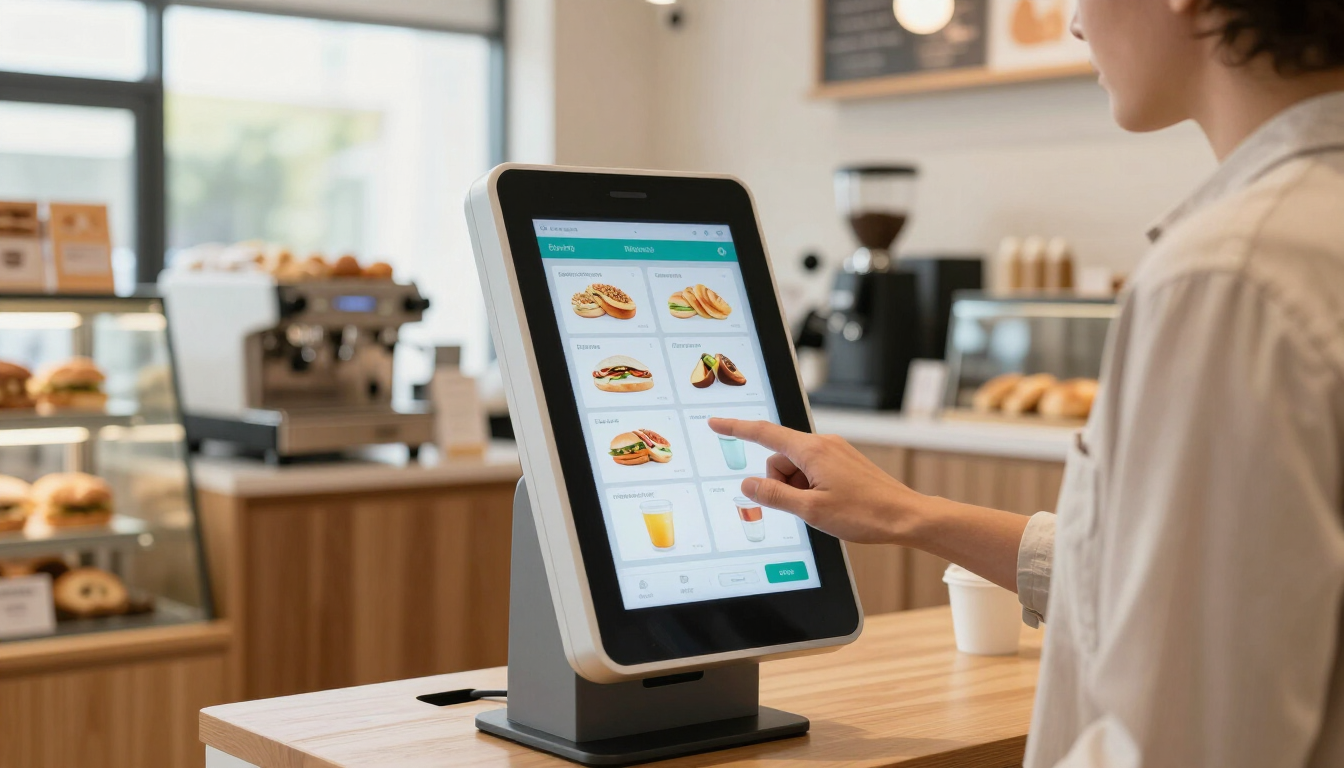
Self-ordering kiosks give customers a dedicated place to browse the menu, customize items, and place orders independently. A kiosk creates an additional ordering lane during busy periods, letting counter staff focus on fulfillment rather than order-taking.
- Reduce counter congestion during rush periods
- Let customers order at their own pace
- Encourage customization and upsells
- Free staff to focus on preparation and service
- Works for coffee shops, bagel shops, bakeries, pizzerias, and fast-casual restaurants
Point of Sale
One Screen for Every Order
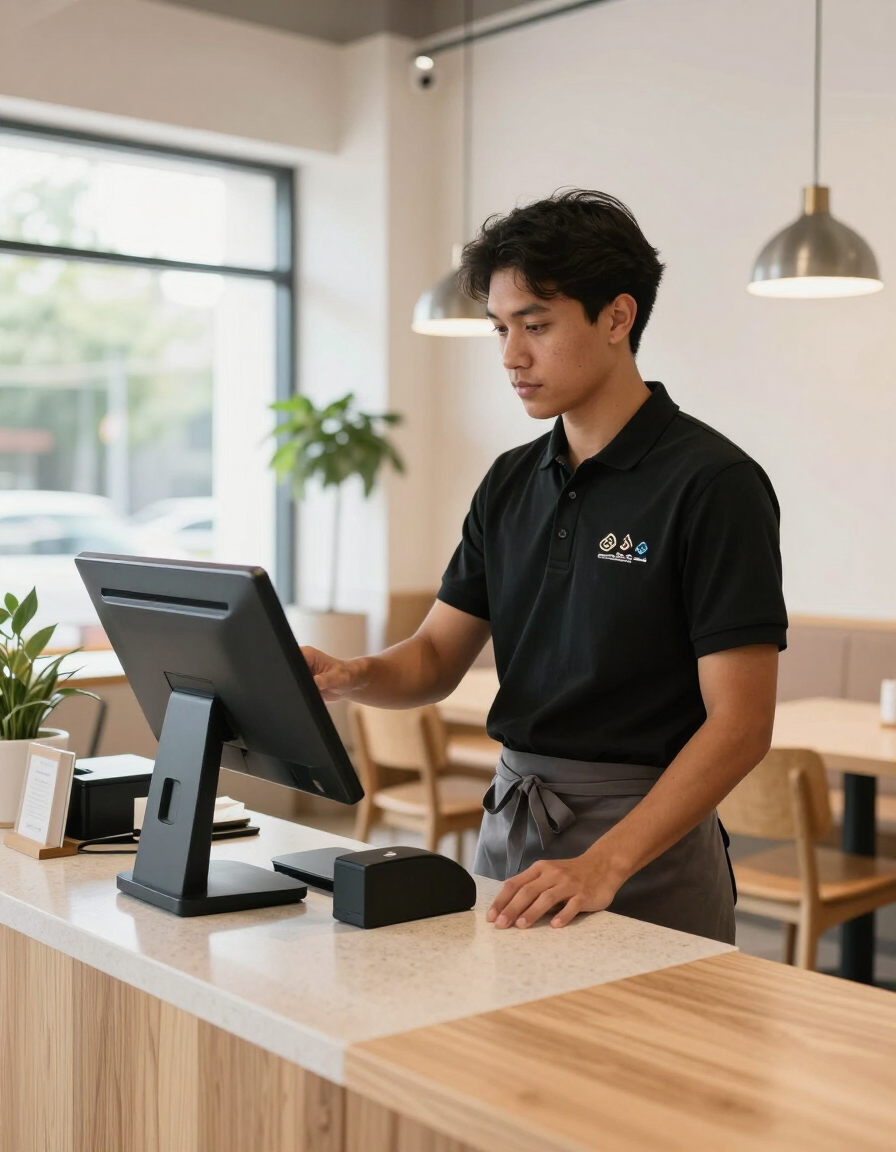
The Nibble™ POS gives staff a clear, organized view of every inbound order — counter, phone, walk-in, and online — in a single modern interface. Reduce confusion, minimize errors, and keep service moving even when the restaurant is at full capacity.
- Manage counter, phone, and walk-in orders together
- Accept payments quickly at the counter
- Connect with online ordering and kitchen displays
- Straightforward interface designed for busy service environments
- Supports single and multi-location operations
Handheld Ordering
Take Orders From Anywhere
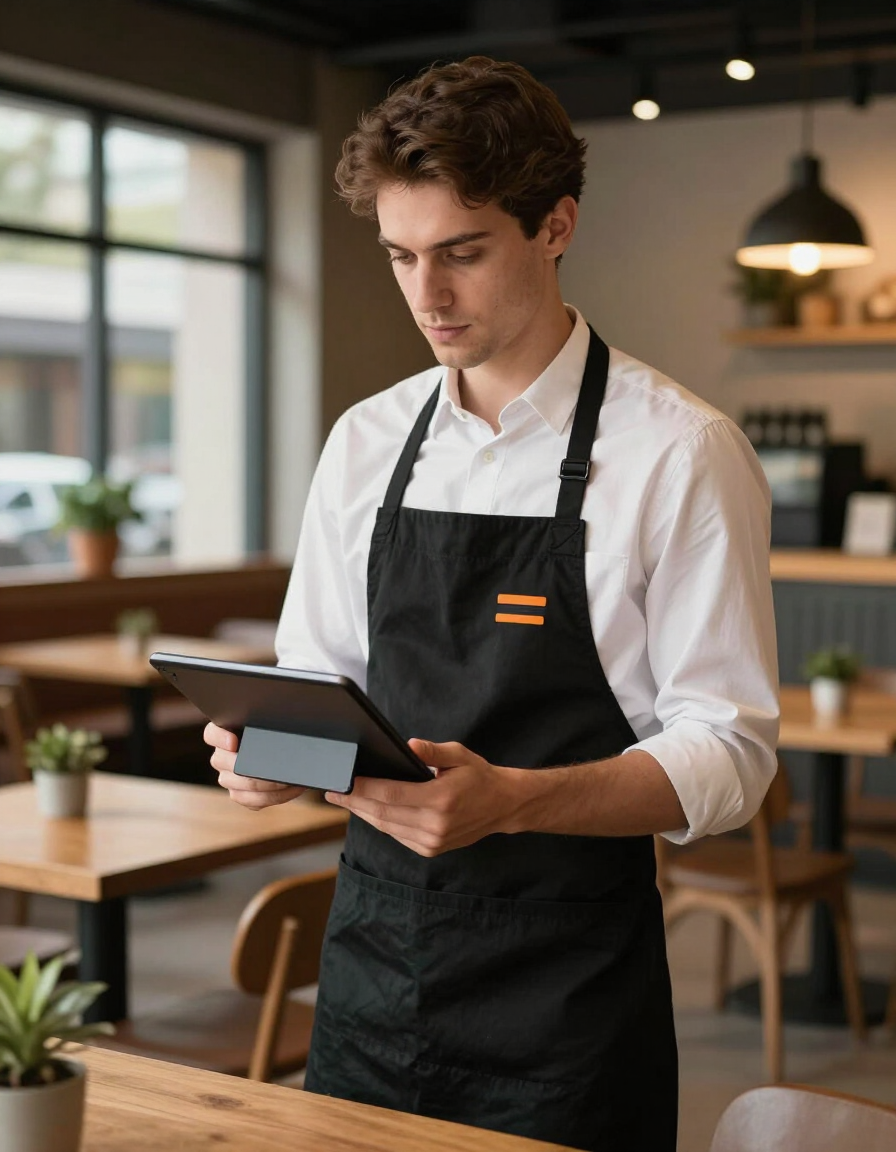
Handheld ordering devices let staff move through the restaurant and take orders and payments wherever customers are — reducing bottlenecks at the counter and increasing throughput during peak hours.
- Accept orders and payments away from the counter
- Speed up service during high-volume periods
- Works alongside the Nibble™ POS
- Lightweight and easy for staff to learn
- Helps reduce wait times and improve the customer experience
Kitchen Display Systems
Keep the Kitchen Organized
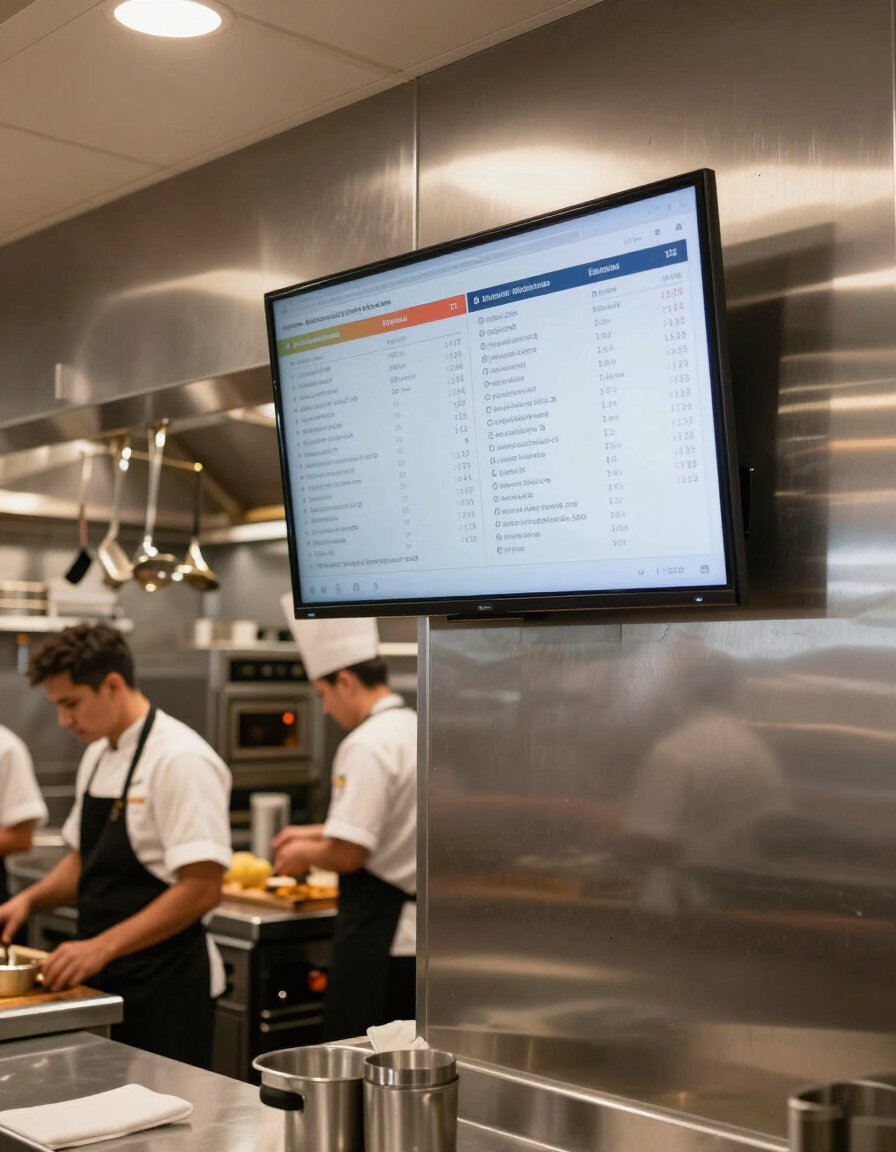
Kitchen display systems send orders directly from the POS, kiosk, or online ordering channel to the kitchen the moment they are placed. Production staff can view, organize, and clear tickets without relying on printed slips or verbal call-outs.
- Orders arrive in real time from all ordering channels
- Help kitchen staff prioritize and sequence production
- Reduce miscommunication between front and back of house
- Fewer missed or delayed orders during rush periods
- Supports multi-station kitchen setups
Customer Pickup Displays
Keep Customers Informed
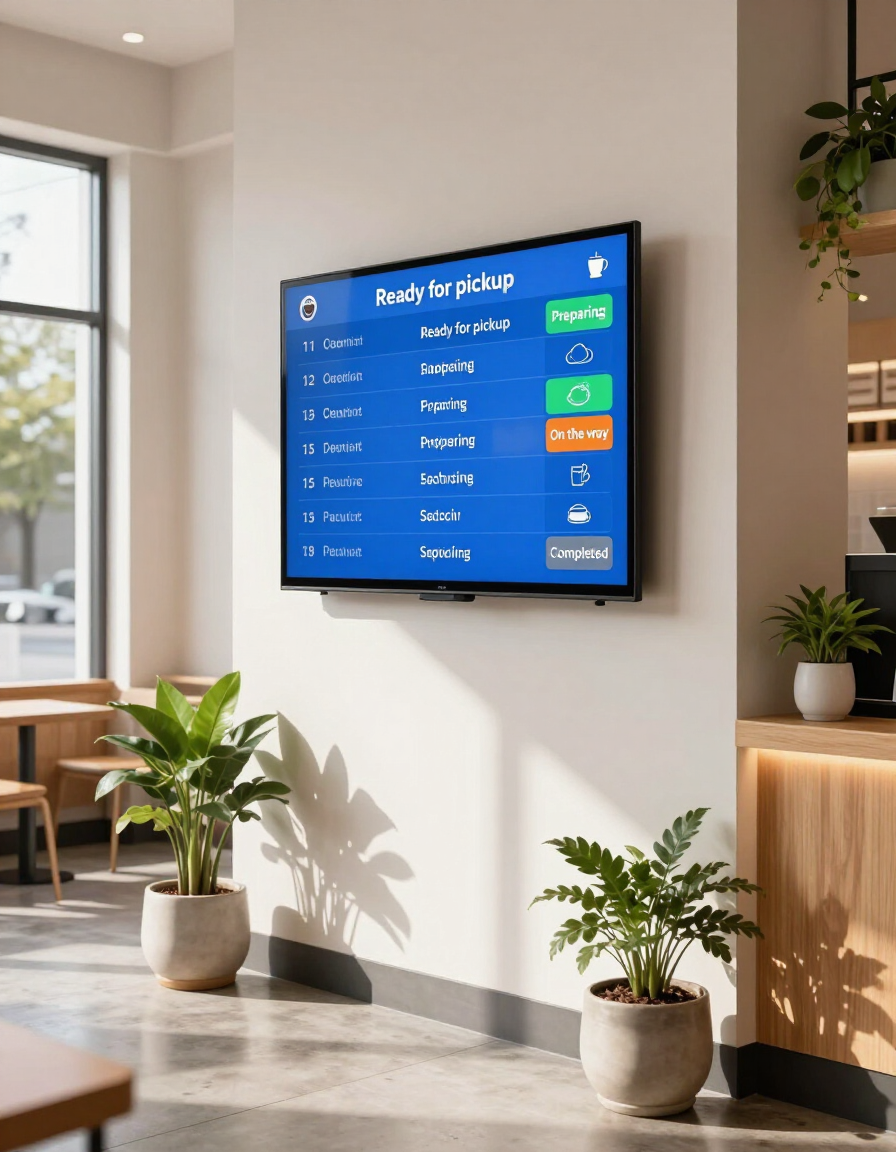
Customer pickup displays show guests exactly where their order stands — whether it is being prepared or ready to pick up — without them needing to ask a staff member. Reduce counter interruptions and make the pickup experience cleaner for everyone.
- Display order status in the guest-facing area
- Reduce 'is my order ready?' counter interruptions
- Improve pickup flow during busy periods
- Easy to read from across the room
- Works with Nibble™ kiosk, POS, and online ordering channels
Reservations
Manage Bookings Simply
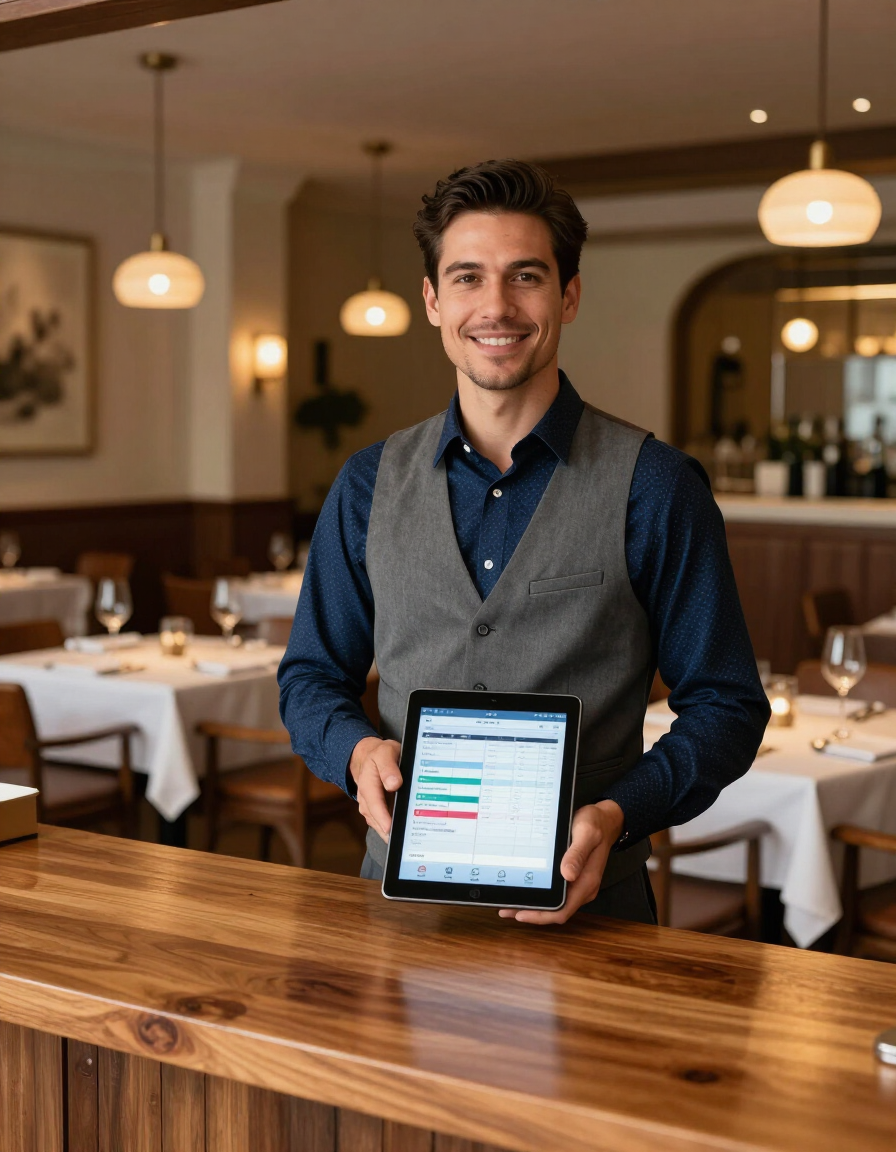
The Nibble™ reservations tool gives restaurants a straightforward way to manage table bookings, guest information, and scheduling. It is designed as a lightweight addition for restaurants that take advance bookings without requiring a complex standalone system.
- Accept and manage table reservations online
- Store guest information and preferences
- Reduce no-shows with booking confirmations
- Easy for staff to manage from the front-of-house
- Can be added alongside online ordering and other Nibble™ tools
Catering Ordering
Make Catering Orders Effortless
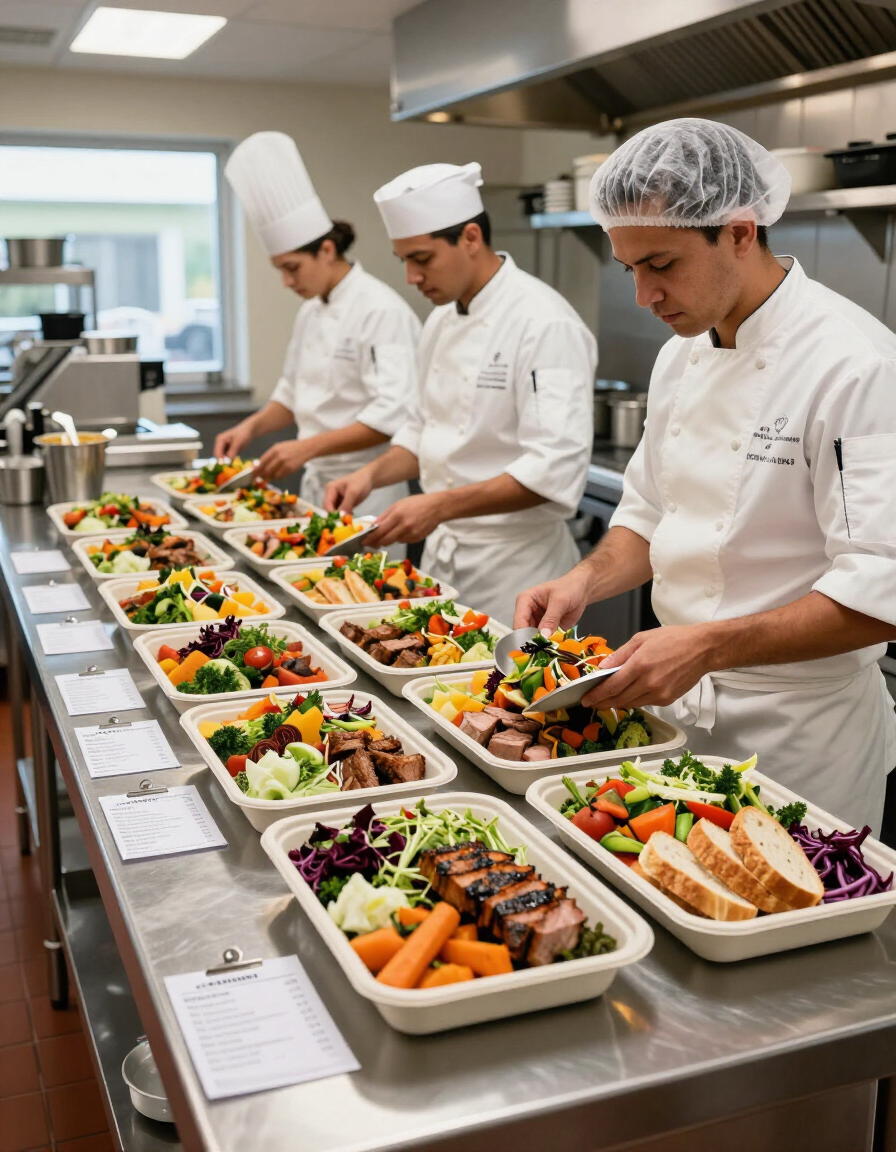
Nibble™ catering ordering gives customers a structured digital way to submit, customize, and pay for larger catering orders online. Restaurants can manage inbound catering requests with clearer lead times, order details, and payment collection — without relying on phone calls or manual coordination.
- Accept catering orders directly through the restaurant's website
- Collect payment and order details upfront
- Set lead times and availability windows
- Reduce back-and-forth with a structured order form
- Ideal for bagel shops, bakeries, delis, cafés, and fast-casual concepts
Loyalty and Promotions
Keep Customers Coming Back
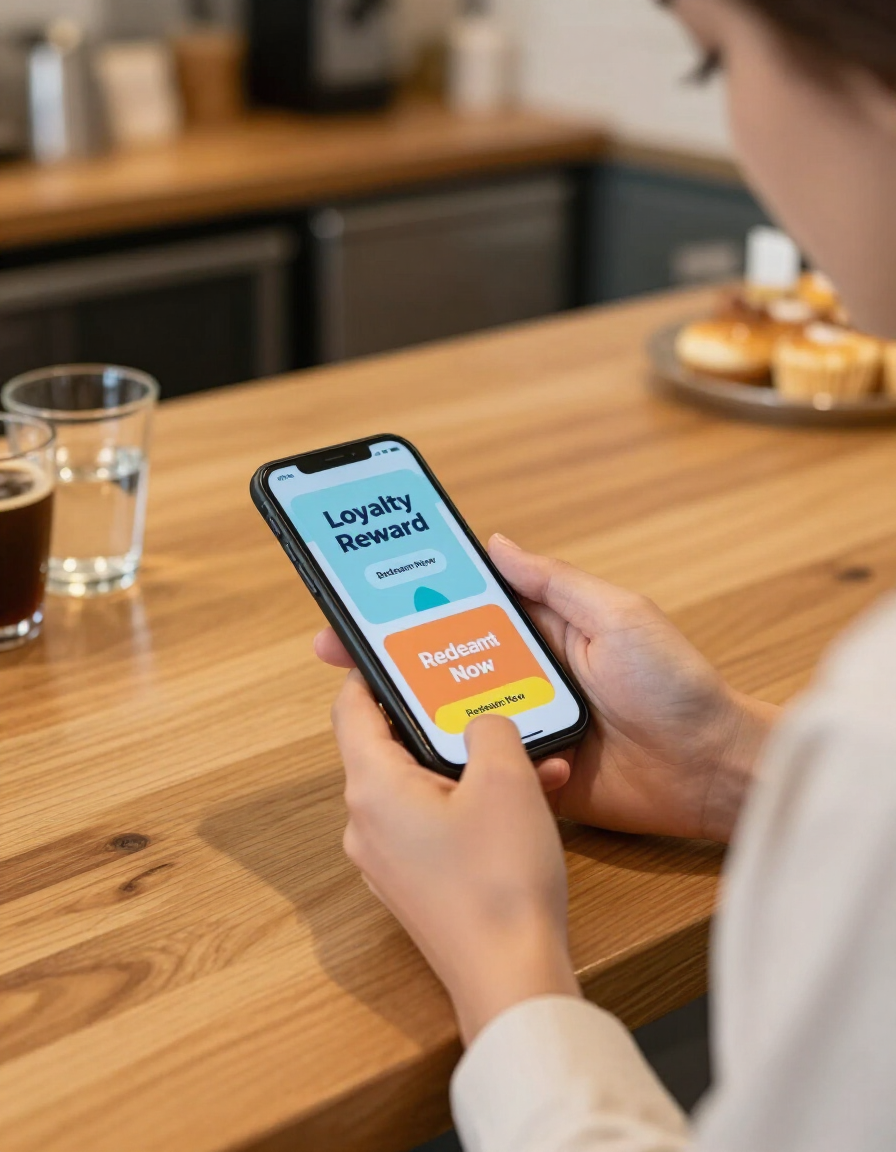
Nibble™ loyalty and promotions tools help restaurants reward repeat visits and communicate offers directly to their customers — without depending on a third-party marketplace to maintain that relationship. Build habits, recognize regulars, and give people a reason to order directly from you.
- Reward customers for repeat orders
- Create and manage promotional offers
- Encourage direct ordering over third-party apps
- Support customer accounts and order history
- Works alongside the Nibble™ online ordering experience
Not Sure Which Tools Your Restaurant Needs?
Every restaurant is different. Talk to Nibble™ about your ordering workflow, busiest periods, and current setup — and get a recommendation for the combination of platform tools that fits your operation.