
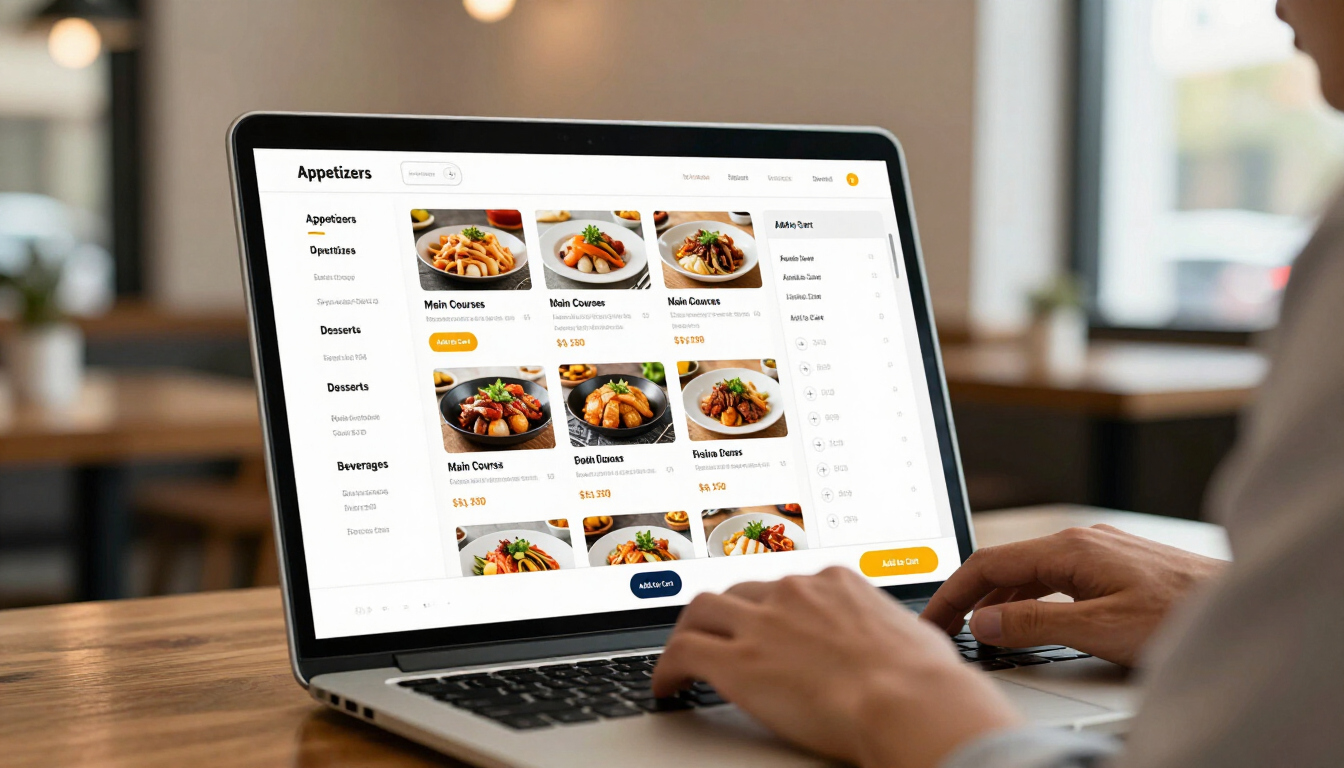
Turn Your Website into an Ordering Destination
One Platform. More Ways to Order.
Nibble™ helps busy restaurants create a smoother online ordering experience to support your restaurant operations for more customers and higher sales.
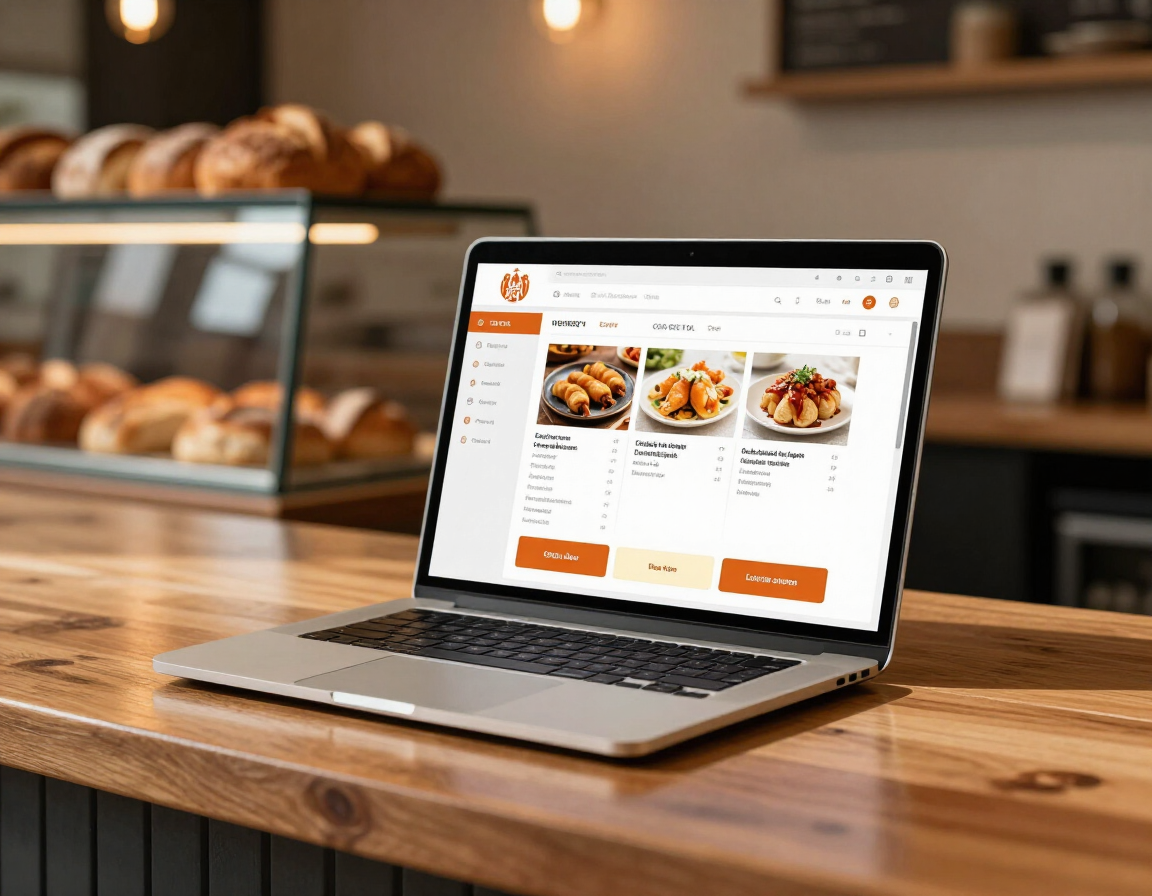
Online Ordering That Keeps Your Restaurant in Control
Give customers a convenient way to order directly from your website. Nibble™ online ordering provides a branded, mobile-friendly ordering experience for pickup and delivery while helping your restaurant maintain control of its menu, customer experience, and brand.
- Direct orders from the restaurant's website
- Branded mobile ordering experience
- Pickup and delivery options
- Scheduled ordering
- Menu and modifier management
- Secure online payments
- Promotions and customer engagement
- Loyalty options
- Reporting and order management
Build the Ordering System Your Restaurant Needs
Start with one solution or connect multiple ordering tools as your restaurant grows.
Nibble™ can help create a system around your operation without requiring unnecessary equipment or features.
Online Ordering
Let customers order directly from your website for pickup or delivery.
Self-Ordering Kiosks
Add another ordering lane and reduce congestion at the counter.
Point of Sale
Manage counter, walk-in, and phone orders from a modern staff terminal.
Handheld Ordering
Take orders and payments from anywhere in the restaurant.
Kitchen Display
Route orders directly to the kitchen and organize production.
Customer Pickup Displays
Keep customers informed when their order is ready.
Reservations
Manage tables, guest information, and bookings with ease.
Catering Ordering
Accept and manage larger catering orders through a dedicated flow.
Loyalty & Promotions
Encourage repeat visits and communicate offers to customers.
Built for Busy Restaurant Settings
Each restaurant receives an ordering experience designed around its menu, workflow, customer base, and busiest service periods.
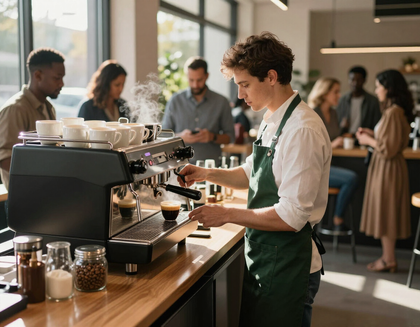
Coffee Shops & Cafés
Manage mobile pre-orders and counter rushes with branded online ordering options.
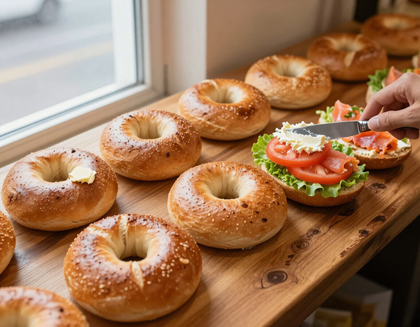
Bagel Shops
Let customers customize sandwiches, spreads, and large orders ahead of time to reduce counter congestion.
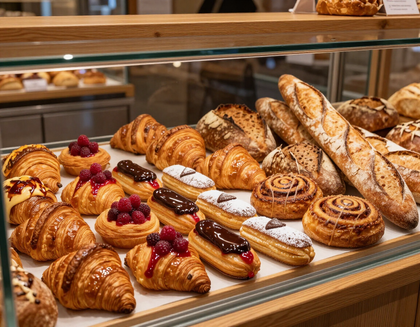
Bakeries
Accept orders for baked goods, custom cakes, catering packages, and scheduled pickups through a branded ordering flow.
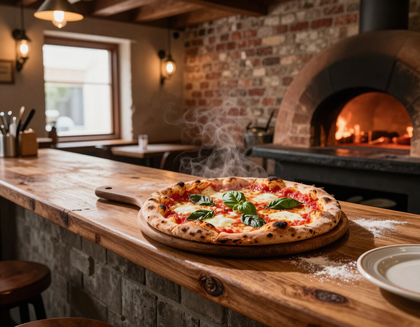
Pizzerias
Allow customers to customize pies, select toppings, and place pickup or delivery orders directly from your website.
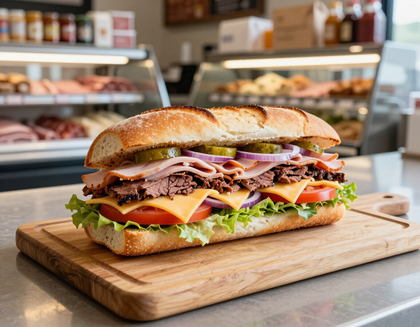
Delis & Sandwich Shops
Let customers place lunch orders ahead of time and customize every sandwich without waiting in line.
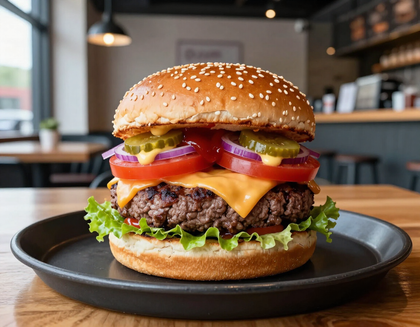
Burger Restaurants
Encourage customization, upgrades, and meal combinations through online ordering.
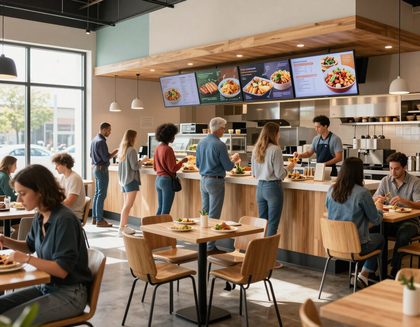
Fast-Casual
Handle higher order volume across multiple ordering channels so every customer is served quickly.
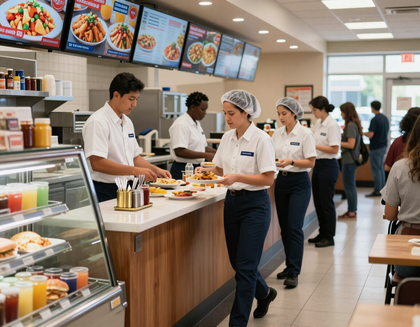
Quick-Service
Serve more customers per hour with online ordering directly through your website
How nibble™ Works
A personalized process from first conversation to ongoing support — designed to reduce the complexity of adopting new restaurant technology.
01
Project Overiew
Nibble™ reviews the restaurant's current ordering system, menu, workflow, and business goals.
02
Build the Right Setup
Nibble™ recommends the and guides you through online ordering and website themes.
03
Launch and Train
Nibble™ assists with menu setup, configuration, testing and implementation of your site.
04
Support and Grow
The restaurant receives ongoing support and updates when your restaurant needs changes.
Technology Is Better With Personal Support
Nibble™ is based in New York City and works directly with restaurant owners to make setup and ongoing management easier. From building menus and configuring ordering options and providing continued support, Nibble™ offers more.
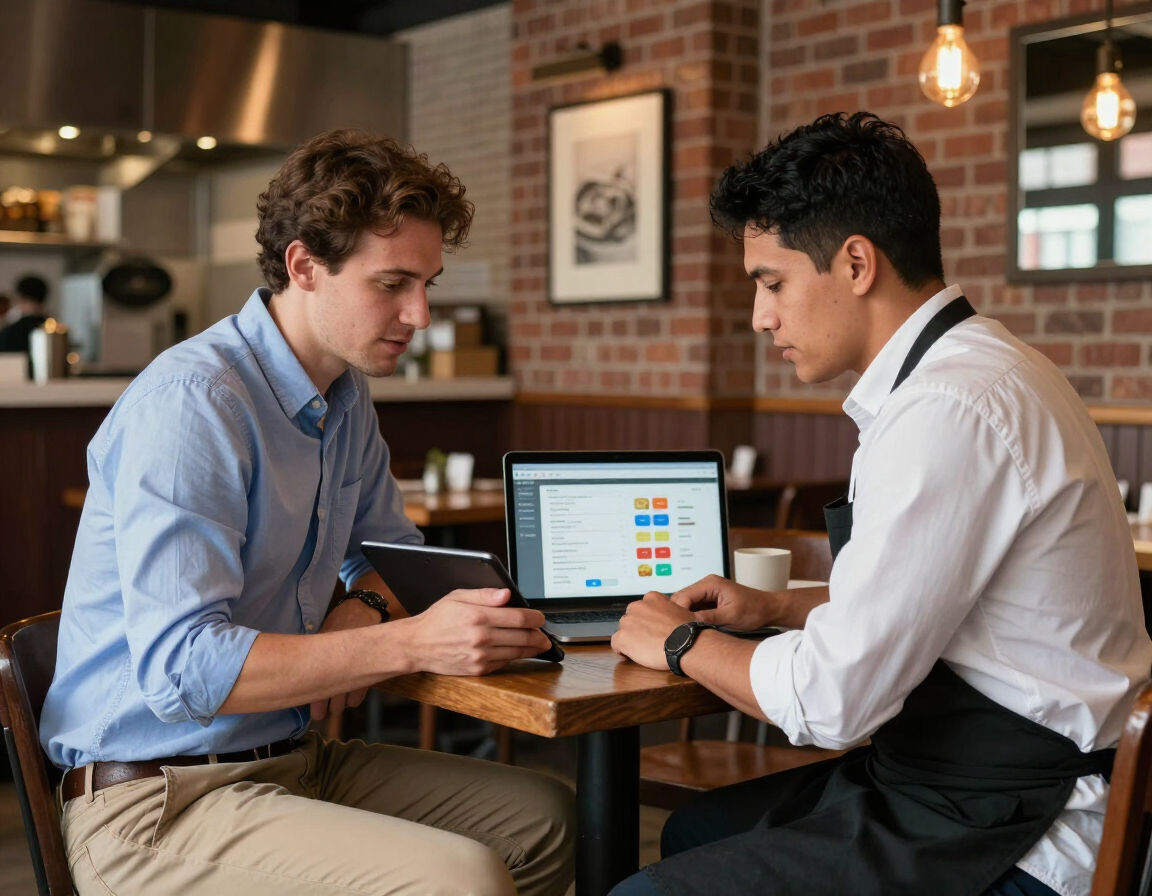
Ready to Improve How Your Restaurant Takes Orders?
See how Nibble™ can help your restaurant accept more direct orders, improve the customer experience, and create a smoother workflow during the rush.